Design patterns for energy-efficient Web applications
Applying these design patterns in your code may (or may not) make your web applications more energy-efficient.
Energy patterns are best practices that developers can use to make their source code energy efficient, which is not only good for the environment but also for users with battery-powered devices like laptops, tablets, and smartphones.
While researchers have already developed catalogues of energy patterns for mobile apps and deep learning libraries, no catalogue has been created yet for web applications.
This week’s paper does just that, by porting previously created energy patterns for mobile apps to web applications and seeing what sticks.
The ported energy patterns can be found in the table below. Sixteen patterns are just as applicable to web applications as to mobile apps, four patterns apply only partially to web applications, and two patterns do not apply to web applications at all.
| Pattern | Applicable | Client/server | Description |
|---|---|---|---|
| Avoid extraneous graphics and animations | ✅ | server | Use battery-intensive graphics or animations with moderation, e.g. by not loading heavy graphics until users interact with them |
| Avoid extraneous work | ✅ | server | Present only relevant data or perform tasks that have a direct impact on the user experience, e.g. pausing audio/video when content is not visible |
| Batch operations | ✅ | server | Combine multiple operations to perform batch processing, e.g. grouping several operations into a single HTTP request |
| Cache | ✅ | client | Use caching mechanisms to reduce network load, e.g. by caching API
responses in |
| Dark UI colours | ✅ | client | Provide a dark theme for your web application, e.g. using a toggle |
| Decrease rate | ✅ | server | Increase the time interval between requests to the backend, e.g. by not refreshing data more often than needed |
| Dynamic retry delay | ✅ | server | Use a systematic retry increasing time interval after each failed attempt to a resource, such as a database, or network |
| Enough resolution | ✅ | server | Provide high-accuracy data only when strictly necessary, e.g. by using lossy image formats for photos |
| Inform users | partially | client | Inform users of energy-intensive operations in a web application (e.g. autoplaying videos on YouTube) |
| Kill abnormal tasks | ✅ | server | Provide means of interrupting energy-hungry operations, e.g. by using a timeout to interrupt abnormal operations |
| Manual sync – on demand | ✅ | server | Perform tasks only when requested by the user |
| No screen interaction | partially | client | Allow interaction without using the display whenever possible, e.g. using keyboard shortcuts |
| Open only when necessary | ✅ | server | Open resources or services (like webcam feeds) only when necessary |
| Power awareness | partially | client | Enable or disable certain website functionalities based on the device’s power status, e.g. Chrome’s Energy Saver mode that kicks in when the battery level drops below 20% |
| Push over poll | ✅ | server | Use push notifications to receive updates from resources instead of actively querying resources via polling |
| Race-to-idle | ✅ | server | Release unnecessary resources and services, e.g. use garbage collection and release resources like microphones once a video call ends |
| Reduce size | ✅ | server | Transmit only necessary data |
| Sensor fusion | ❌ | — | Use data from low-power sensors to infer whether new data needs to be collected from high-power sensors |
| Suppress logs | ✅ | server | Keep the rate of logging low |
| User knows best | ✅ | client | Allow users to customise preferences for energy-critical features |
| Wi-Fi over cellular | ❌ | — | Delay or disable heavy data connections until the device is connected to a Wi-Fi network |
The paper doesn’t do a very good job of explaining what each pattern is or why it matters, but fortunately that information is easy to find in the paper that originally introduced energy patterns for mobile. It’s also unclear why patterns are classified as “client” or “server”, so I wish the paper had spent a few more words clarifying this.
Interviews with six professional web developers suggest that most developers are unfamiliar with the concept of energy patterns. While interviewees found some patterns easy to understand, there were also some that required some follow-up questions or that they found hard to imagine within the context of web applications.
Another interesting observation is that web developers tend to prioritise functionality and performance, in contrast to mobile developers who show greater concern for battery life and cellular network considerations. One developer even appears to be completely indifferent to energy consumption on local machines and seems to care only about energy consumption on servers…
Nevertheless, the interviewed developers showed willingness to implement energy patterns in their code. While half the interviewees are open to refactoring existing code, most prefer to incorporate the pattern in new code only. With regard to tooling, the interviewees showed limited awareness of all the existing tools for energy measurement.
The final part of the paper discusses measurements of actual energy usage for two specific energy patterns, Dynamic retry delay and Open only when necessary, using Intel PowerLog on a Mac Mini running macOS.
The results are somewhat surprising. The measurements show no significant difference in energy usage between application of the Dynamic retry delay pattern or its anti-pattern. For the Open only when necessary pattern, the measured energy usage was actually higher with than without the pattern. These are clear signs that the effect of these patterns may depend heavily on the specific implementation and use cases.
Summary
-
Developers show limited awareness of energy patterns
-
This paper presents energy patterns for web applications
-
but you might still not know what to do…
You might also like
The Toilet Paper
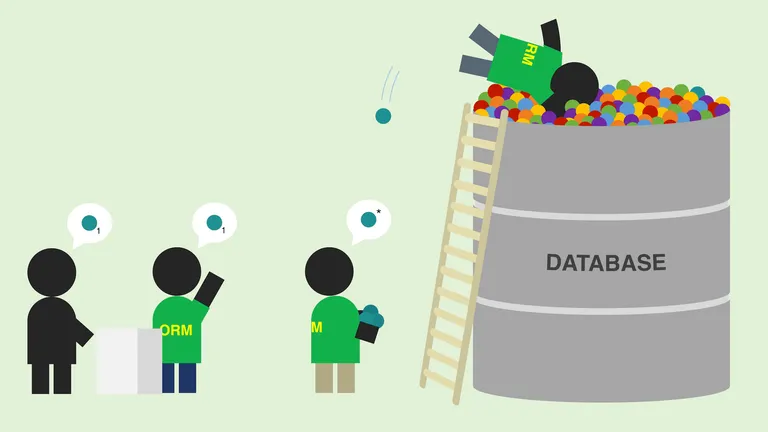
How not to structure your database-backed web applications
ORM frameworks make your life a lot easier, but can just as easily lead to performance problems.

The Toilet Paper
Prompt patterns for LLMs that help you design better software
Large language models (LLMs) may not be replacing developers anytime soon, but can still be of use in the design process.
The Toilet Paper
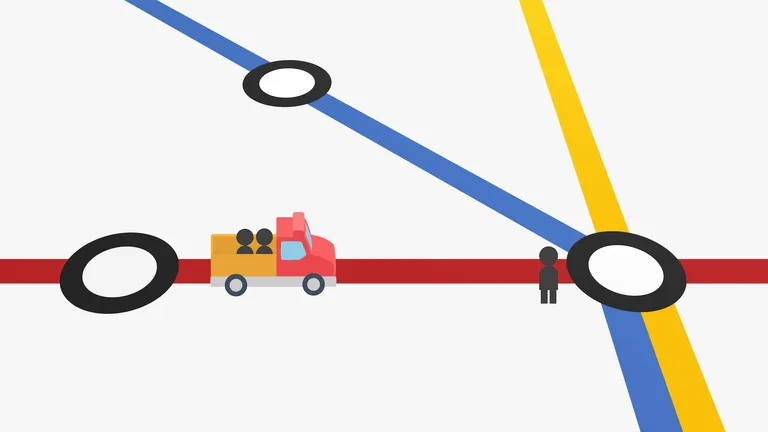
Scalable transfer patterns
Path finding algorithms for public transport take a little bit more work to get right than those for private transport.

The Toilet Paper
Efficient and green LLMs for software engineering
Training and using large language models to develop software is bad for the planet – but it doesn’t have to be that way.

The Toilet Paper
What happened to the Semantic Web?
2021 is not the year of the Linux desktop, nor is it the year of the Semantic Web. But as a field of research it is still alive and kicking.

The Toilet Paper
Exploring ScrumBut – An empirical study of Scrum anti-patterns
Of course you use Scrum – everyone does! But…